
To sign out of your ActBlue Express account, click “Account” in the navigation bar at the top of your screen. Click “Sign out” at the bottom of the menu to sign out of your account on that device.
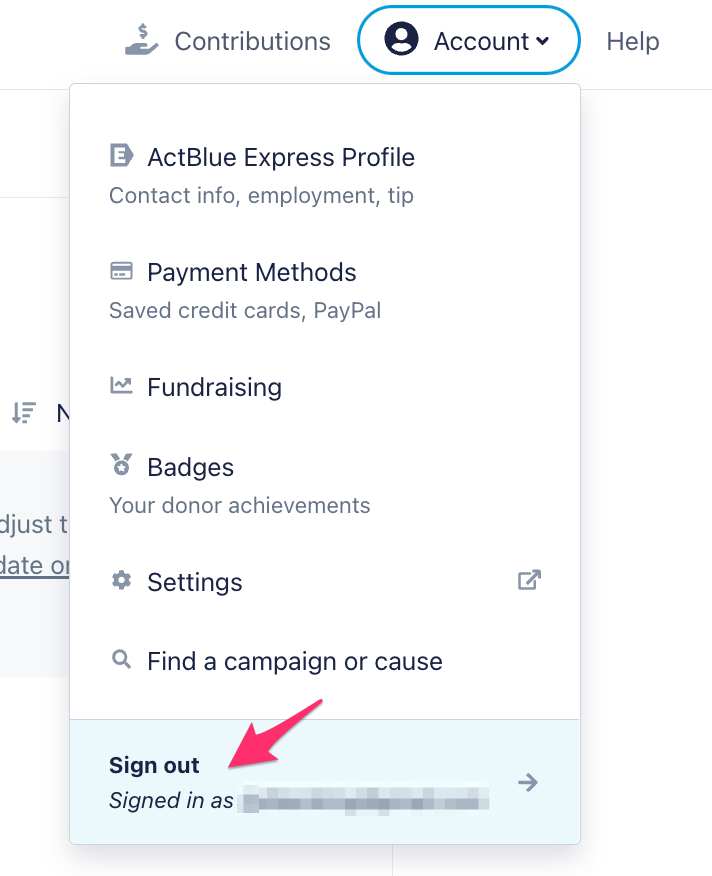
If you use multiple devices, you need to log out of your account on each of them.