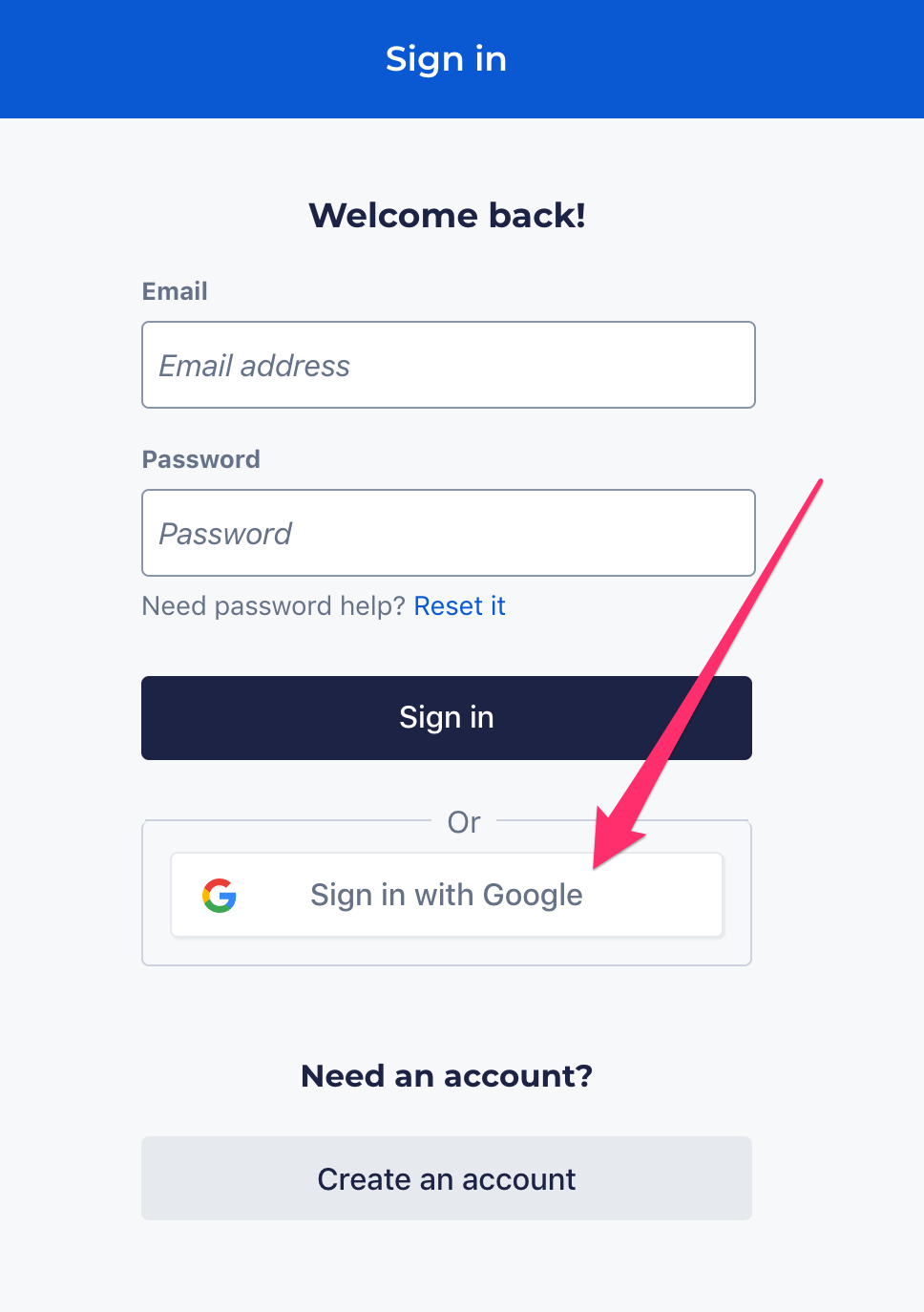
All ActBlue users with Gmail or Gmail-affiliated email addresses can log in to their accounts without entering their password; simply authenticate your account using Google.
Click “Sign in with Google” on the Sign In page.
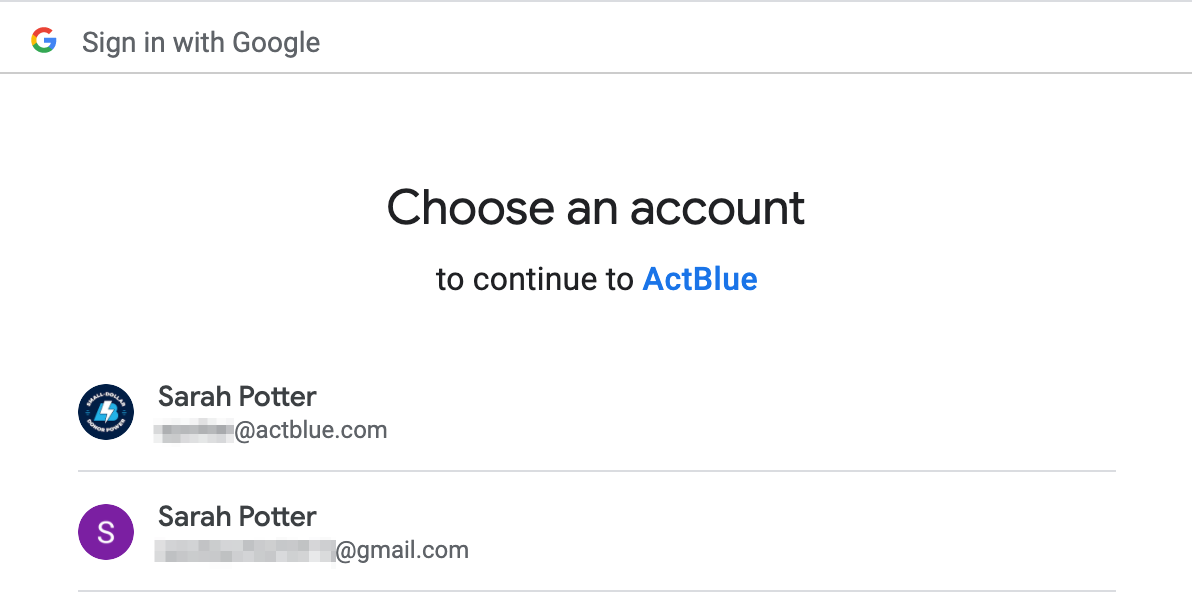
Select the account you use to sign in to ActBlue. If you only have one Google account, you still need to confirm which email you’d like to log in with. If you have multiple Google accounts, select the one affiliated with an ActBlue account. If Google notifies you of a problem with the email address you are signing in with, we recommend visiting Google’s help center.
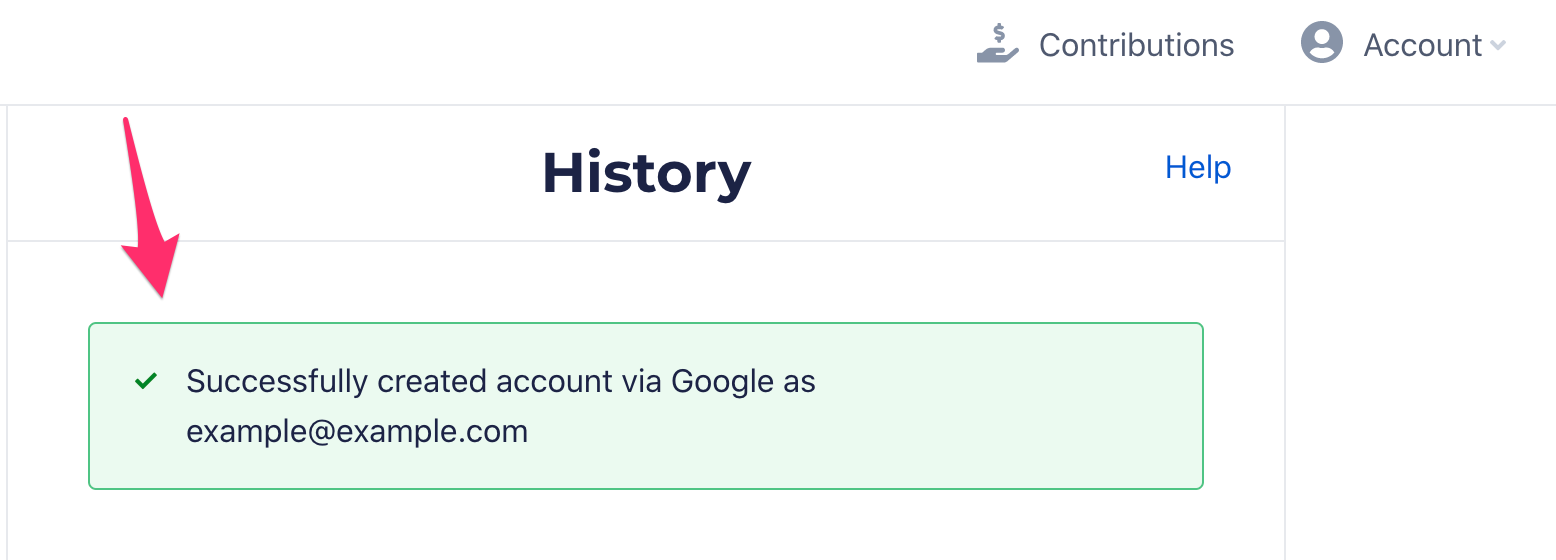
After you click on the correct email address, you will automatically land on your ActBlue Express account. You’ll see a message at the top confirming that you have successfully created your account.
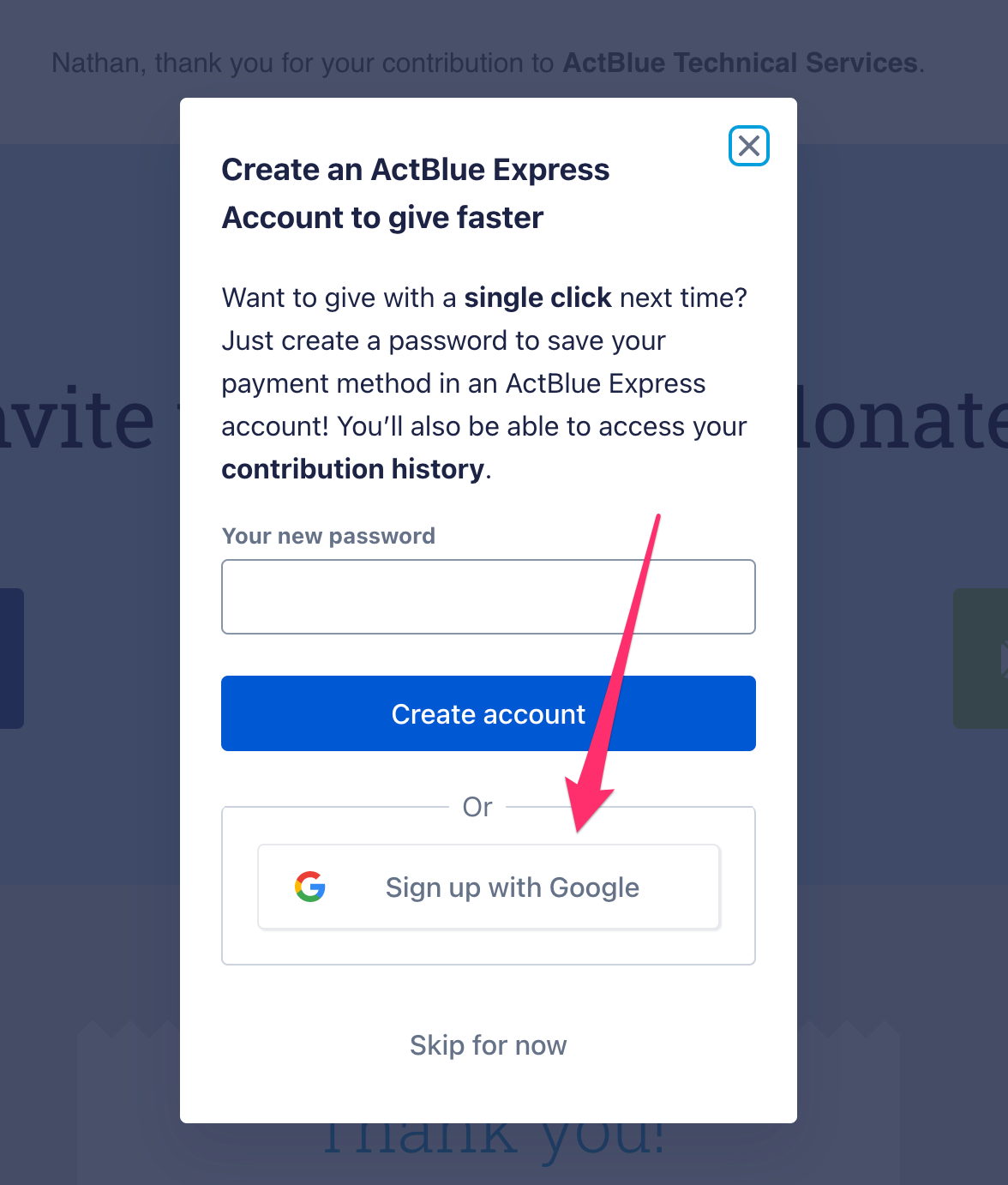
You can also create an ActBlue Express account using Google after you donate. After donating using an email not already associated with an ActBlue Express account, you will see a pop-up asking if you want to create an account. Click “Sign up with Google” and follow the instructions above.