
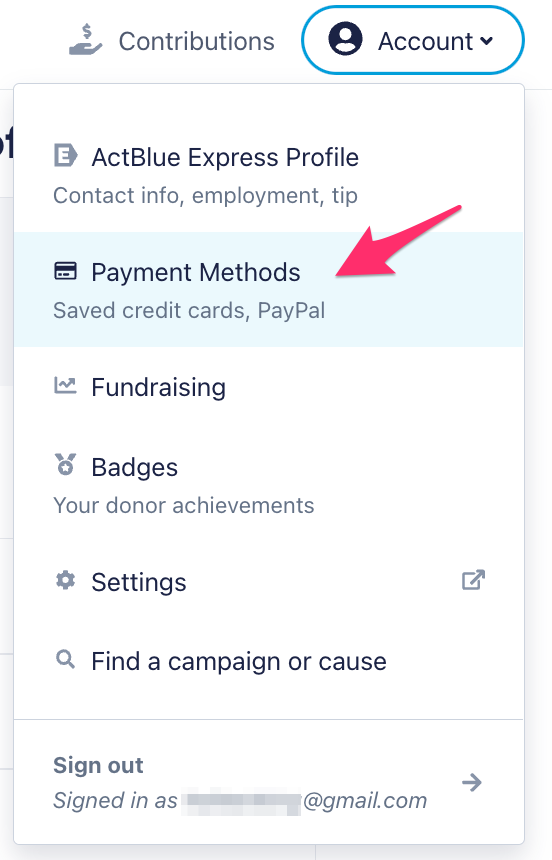
Click on “Account” at the top of your screen, and choose “Payment Methods” from the dropdown.
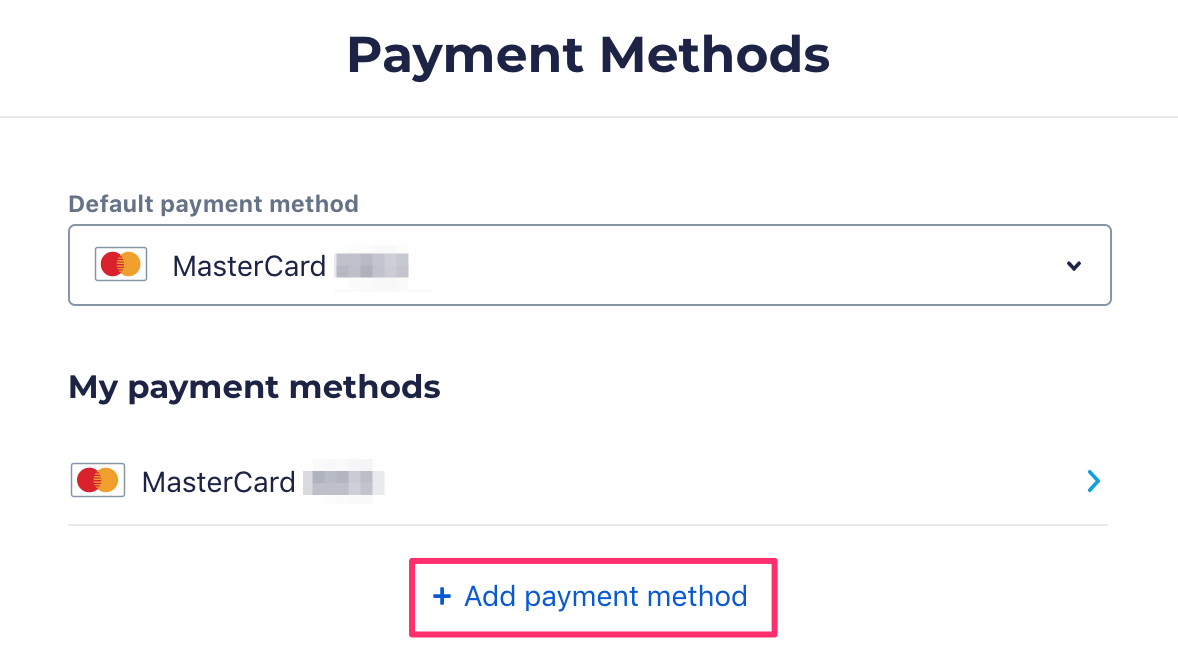
Click “Add payment method.”
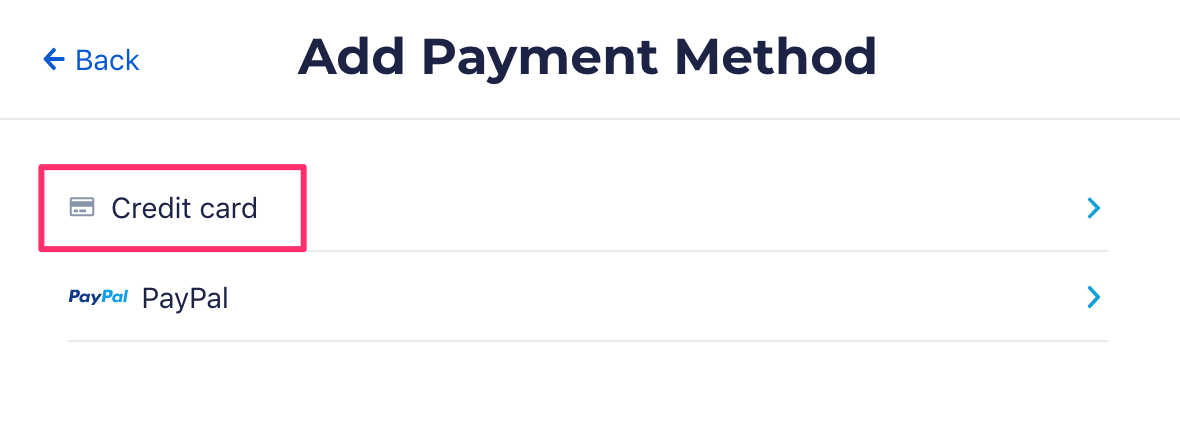
On the Add Payment Method page, click “Credit card” to add information for a new card.
Don’t forget to click “Save” after making changes.
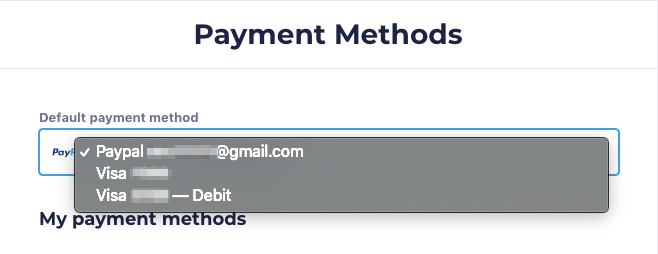
You can also change your default payment method on the “Payment Methods” page. At the top of the page, click the dropdown under “Default payment method.” Select the card or PayPal account you want as your default donation payment.
Note: Some campaigns and organizations using ActBlue for fundraising may not accept PayPal as a payment option. Contribution forms that permit PayPal will clearly display it as an available payment method.
© 2009 PayPal, Inc. All rights reserved. PayPal and the PayPal logo are trademarks of PayPal, Inc. Other names, trademarks and brands are the property of their respective owners.