
Skip to content
English - United States
  • There are no suggestions because the search field is empty.

How do I share my donor badges?

You can find all badges in your ActBlue Express account. Once logged in, select "Badges" from the left navigation bar. 

A screenshot of the ActBlue Express Profile navigation bar with an arrow pointing to the Badges tab.

Your most recent badge achievements are at the top of the page.

A screenshot of the Badges page. Recent badge achievements are displayed.

Click on the "Share" dropdown menu and select a platform to share your badges directly with your networks.
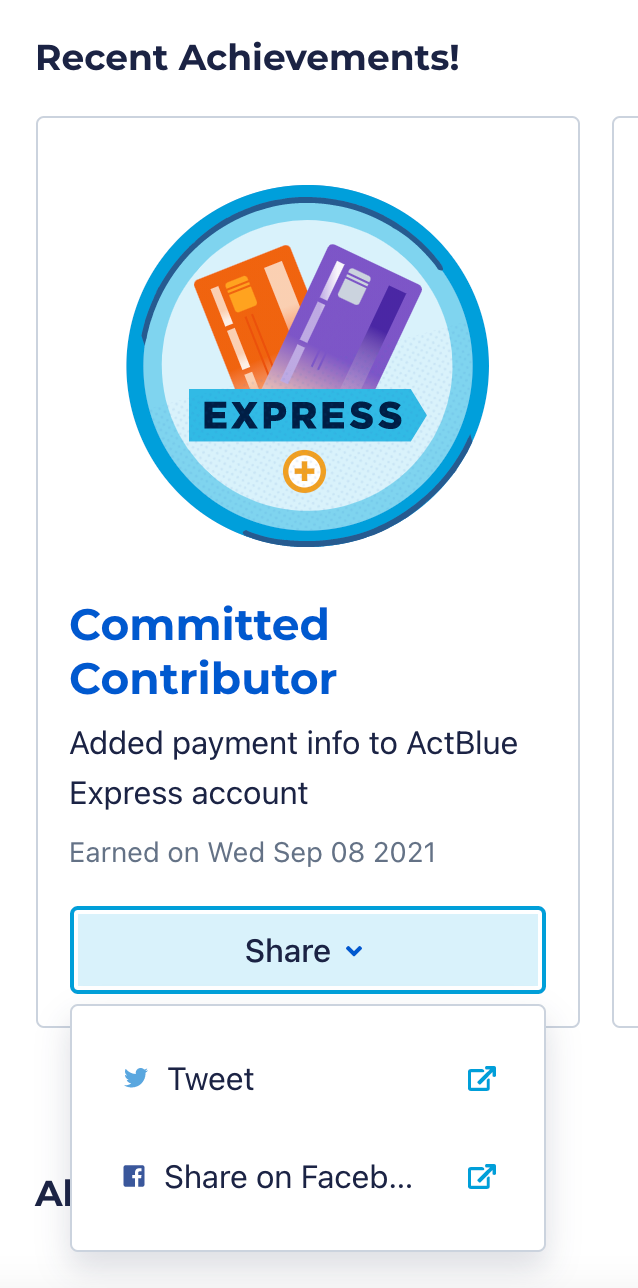
A screenshot of a badge with the Share dropdown menu beneath it selected. The menu lists different platforms for sharing.

You will land on the platform you selected to customize your message.

A screenshot of a tweet sharing an ActBlue badge achievement with an option to add a custom message.