
In this article:
How can I view data from my grassroots fundraising form(s)?
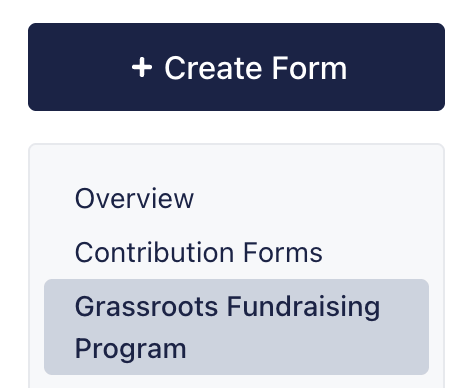
You can easily view fundraising data for your grassroots fundraising forms by opening your ActBlue Dashboard and navigating to the Grassroots Fundraising Program tab in the left-hand menu:
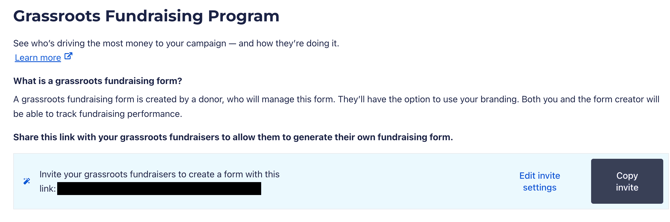
Clicking this tab will automatically take you to the Grassroots Fundraising Program page where you can view stats for top fundraisers via the Grassroots Fundraisers Leaderboard:

To view your existing grassroots fundraising forms, simply click the Grassroots Fundraising Forms tab at the top of the page:
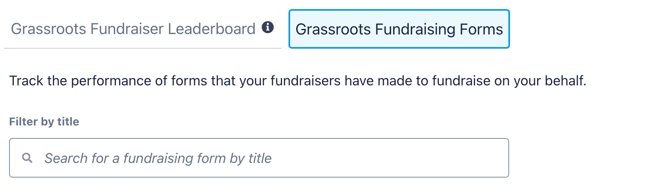
This tab will display a list of all existing grassroots fundraising forms, how much they've raised, who owns them, and which of your campaign or organization's public Brandings they're currently using.
You can review individual contributions received through these forms by either clicking the hyperlinked Contribution Number or Total Raised:

Clicking either number will bring you to a custom contribution search where you can review receipts for every donation received through the form.
How can I download a spreadsheet of data for my grassroots fundraising form?
While we currently don't offer the ability to download form-specific spreadsheets for grassroots fundraising forms, you can download a spreadsheet of all donations received during the form's existence and then sort your data by contribution form/fundraising form.
To do this, start by locating the date your grassroots fundraising form was created in the Grassroots Fundraising Program tab:

Next, navigate to the Downloads tab under the Tools heading on the left-hand menu:
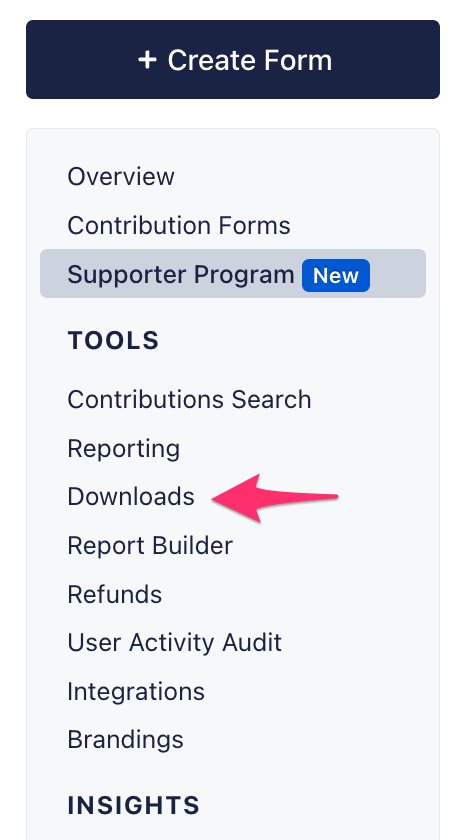
From the list of possible downloads provided, navigate to Contributions Over a Specific Time Period report and enter the form's creation date (along with a custom end date) into the dropdown provided. Once your dates are set, click the grey Export button to begin the download:

After your spreadsheet has downloaded, open it as usual and locate the column labeled Fundraise Recipient ID (the grassorts fundraising form's name). Sort this column alphabetically to find the donors who gave to you through a grassroots fundraising form.