
Disclaimer: ActBlue user roles and permissions dictate what users can do on our platform. If the tools or features mentioned in this article are unavailable to you, please speak to your Dashboard Admin(s) about updating your permissions.
ActBlue's CSV API gives Dashboard users the ability to automate and download CSVs of donor data without logging onto their Dashboard.
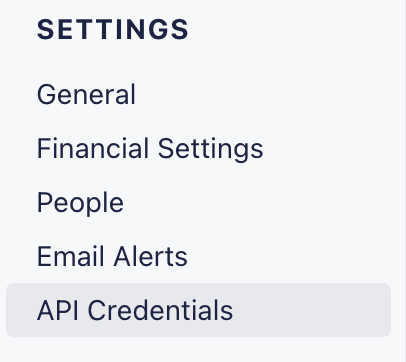
To get started, simply sign onto your ActBlue Dashboard and navigate to the API Credentials tab under the Settings heading:
On the API Credentials tab, you will be asked to provide two sets of values: a client UUID (your username) and a client secret (your password). You can then use these credentials in the POST request Authorization header.
For more information about setting up and using ActBlue's CSV API, check out our full guide linked here!