Disclaimer: ActBlue user roles and permissions dictate what users can do on our platform. If the tools or features mentioned in this article are unavailable to you, please speak to your Dashboard Admin(s) about updating your permissions.
In this article:
What is a recurring contribution?
Recurring contributions are contributions that automatically repeat (or recur) on a set schedule. Typically, this schedule is either weekly or monthly.
Every time a donor's recurring contribution is processed, they receive an email receipt that allows them to review, update, or cancel their recurring contribution. The receipt is sent to the email address the donor used when they set up their contribution.
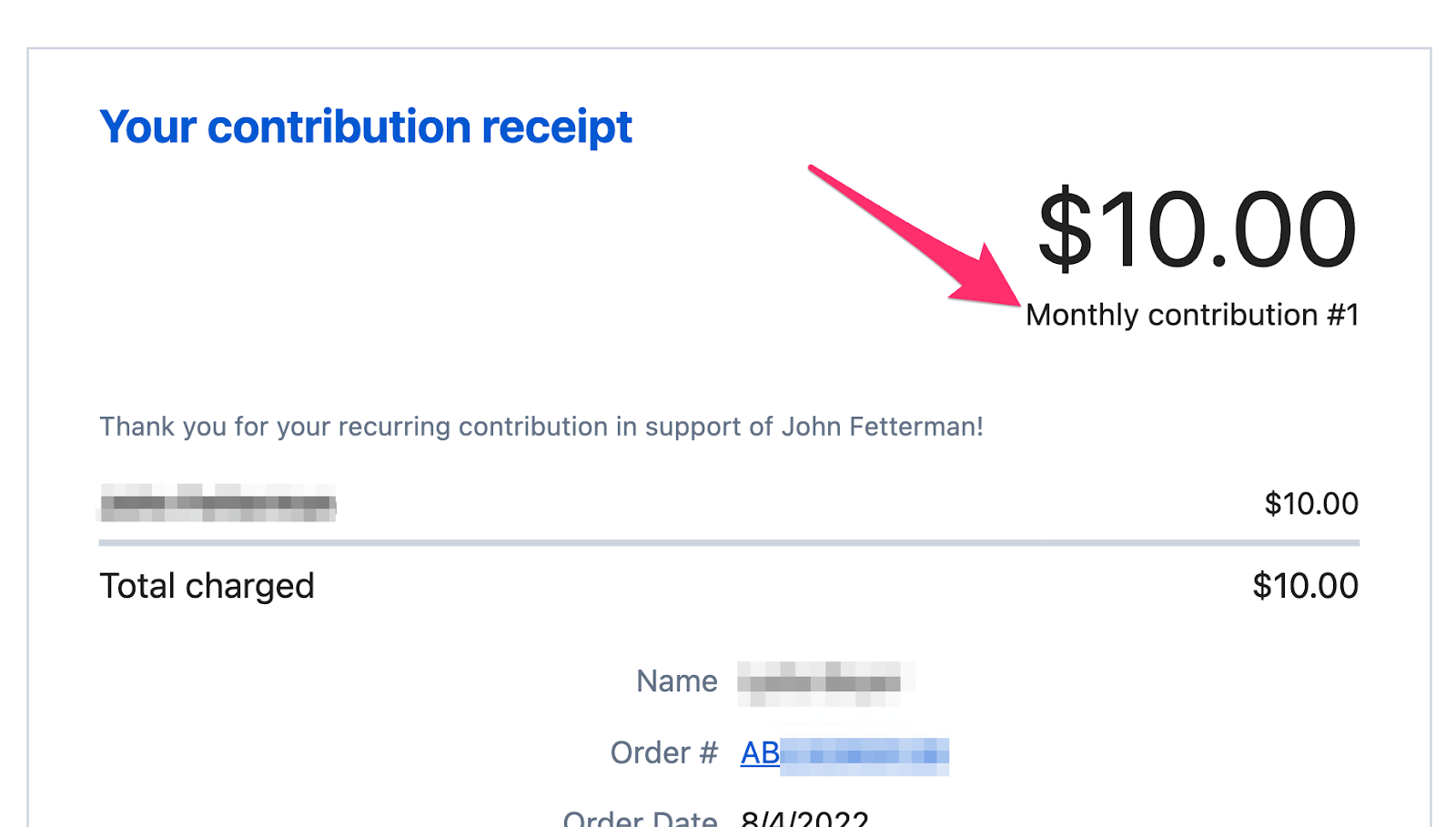
Donors with ActBlue Express accounts can also update or cancel their recurring contributions at any time from their Donor Dashboard.
How do I cancel a donor's recurring contribution?
If a donor unintentionally signed up for a recurring contribution or would like to cancel their recurring contribution, you can easily cancel it for them using their donation receipt.
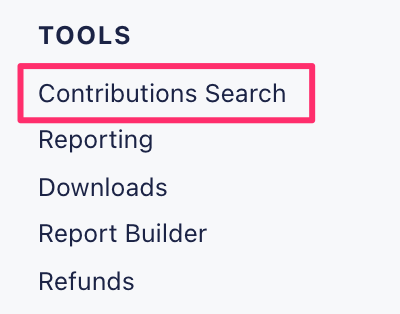
To locate the donor's receipt, start by navigating to the Contribution Search tab under the Tools heading:
From the Contribution Search page, simply fill in the applicable information for your donation (ex. donor's name) and then click Search.
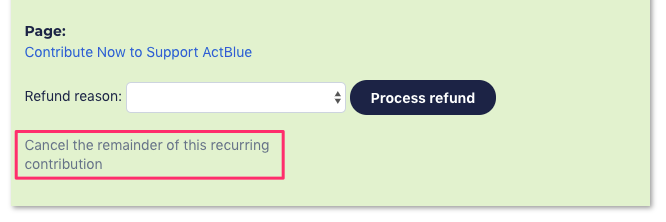
Once you’ve located the donation, click the order number (formatted as AB########) to view the contribution's receipt. At the bottom of the receipt, you should see a prompt to Cancel the remainder of this recurring contribution: