
Disclaimer: ActBlue user roles and permissions dictate what users can do on our platform. If the tools or features mentioned in this article are unavailable to you, please speak to your Dashboard Admin(s) about updating your permissions.
ActBlue's Transfer Recurring feature allows you to select a new recipient for your campaign or organization's recurring contributions.
To get started, you'll first need to request and receive your recurring donors' express permission to transfer their recurring contribution.
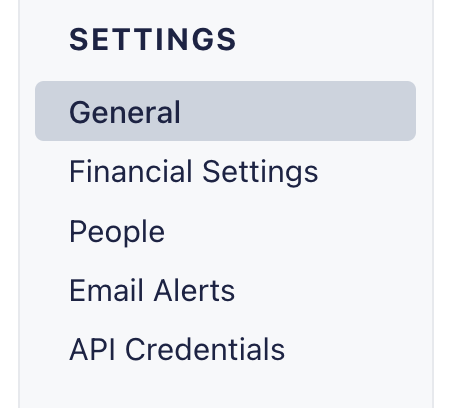
To do this, log onto your ActBlue Dashboard and select General from the Settings menu on the left-hand side of your screen:
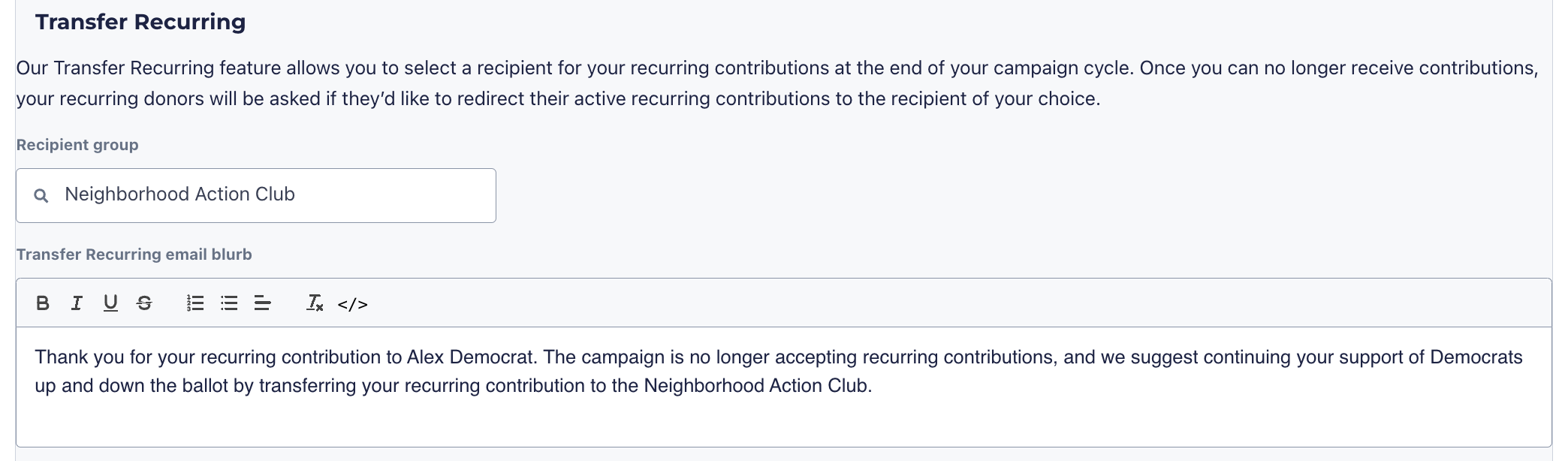
Next, scroll down to the Transfer Recurring section of the page.
From here, select a new recipient by typing in the name of any campaign or organization on ActBlue. You can also customize the email that will be sent to donors asking them to transfer their recurring contribution:
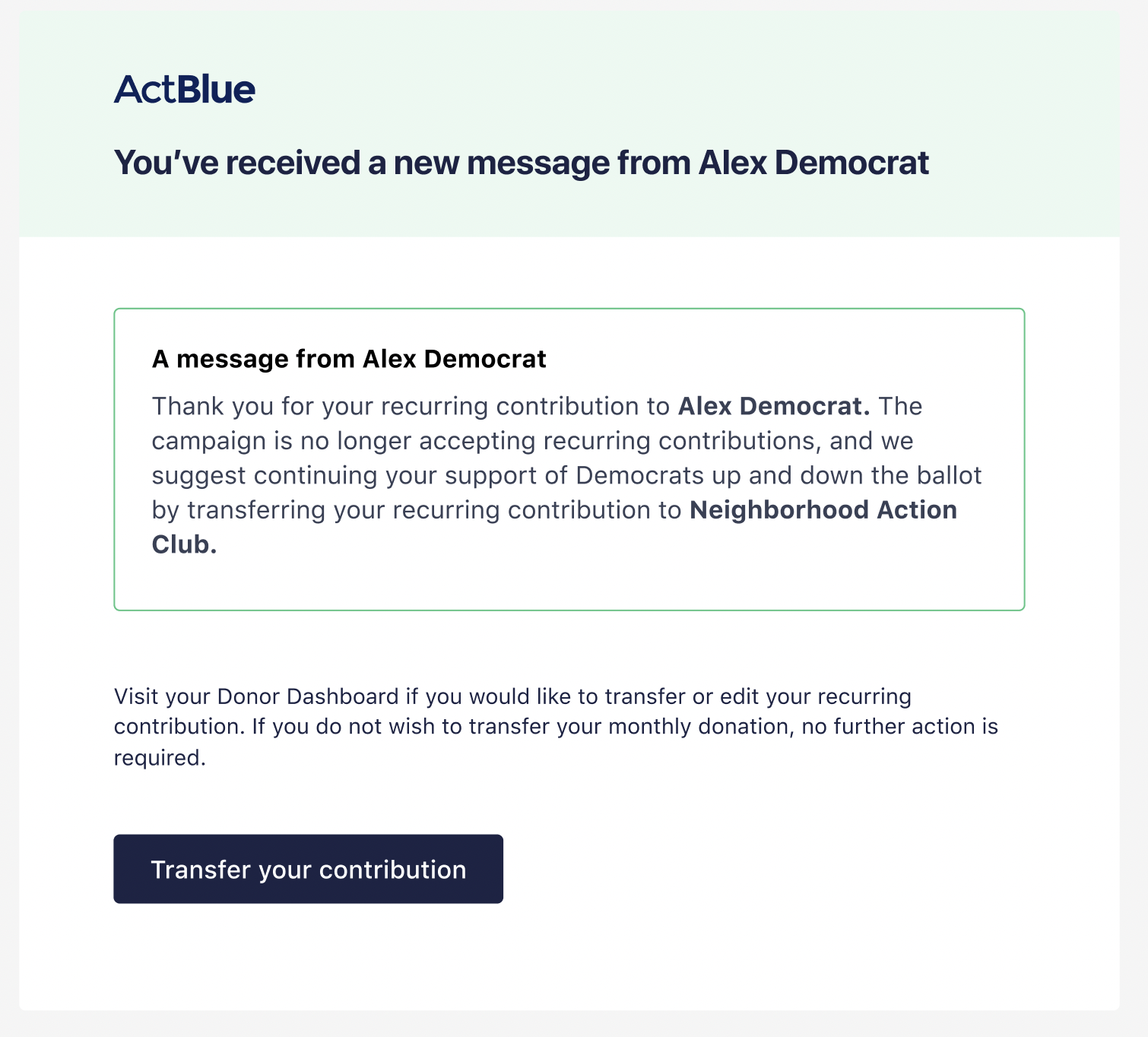
Once you click Save Changes, your ActBlue account manager will receive a notification. They will then reach out to you to confirm your request. During this conversation, you and your ActBlue account manager will coordinate when the email to your recurring donors will be sent out. This email will have your custom blurb language and appear similarly to the example below:
If you have any questions, please contact our support team using the email address you use to access your ActBlue account.