
Creating the action:
-
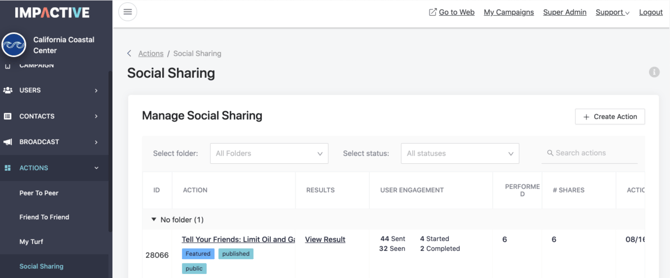
Navigate to the admin panel and click on create a Social Sharing action.
-
Make sure to select a folder to save your action into, in order to keep all your actions sorted and organized.
-
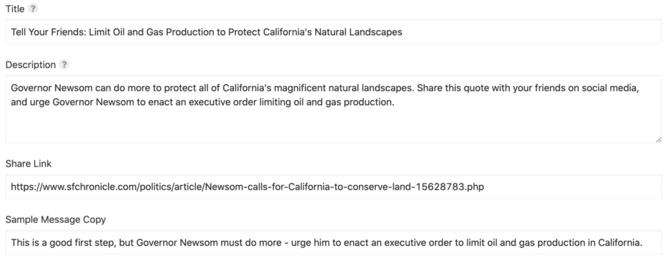
Write a title, description, and choose a start button label to give your users more information about what kind of action they’ll be taking.
-
Write the copy that you'd like your users to re-post to their social media accounts. Before finishing the action, decide if you want to publish it now or schedule it to be published at a certain time.
-
You can track the performance of your Social Sharing campaign using the results page built into your action page in the admin dash.