
Disclaimer: ActBlue user roles and permissions dictate what users can do on our platform. If the tools or features mentioned in this article are unavailable to you, please speak to your Dashboard Admin(s) about updating your permissions.
After you build a strong recurring program to sustain your work, you can access critical data as downloadable CSV files, and it only takes a single click.
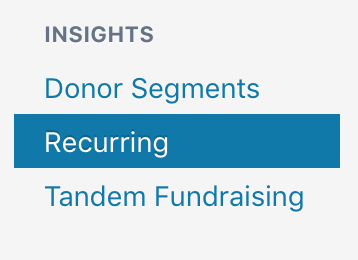
First, head to the Recurring tab of your Dashboard toolbar.
At the top are three buttons for downloading a CSV file of your active recurring contributions, recurring projections, or canceled recurring contributions.
- Active recurring contributions: Includes all recurring contributions from the last 30 days that are paid and scheduled to recur again.
- Monthly recurring projections: A simple projection for the next month that looks at all the paid monthly contributions made in the last month and projects future contributions, assuming nobody cancels or requests a refund of their last donation.
- Canceled recurring: Includes all recurring contributions canceled in the last 60 days.
Hover over the information icons to learn more about the data.
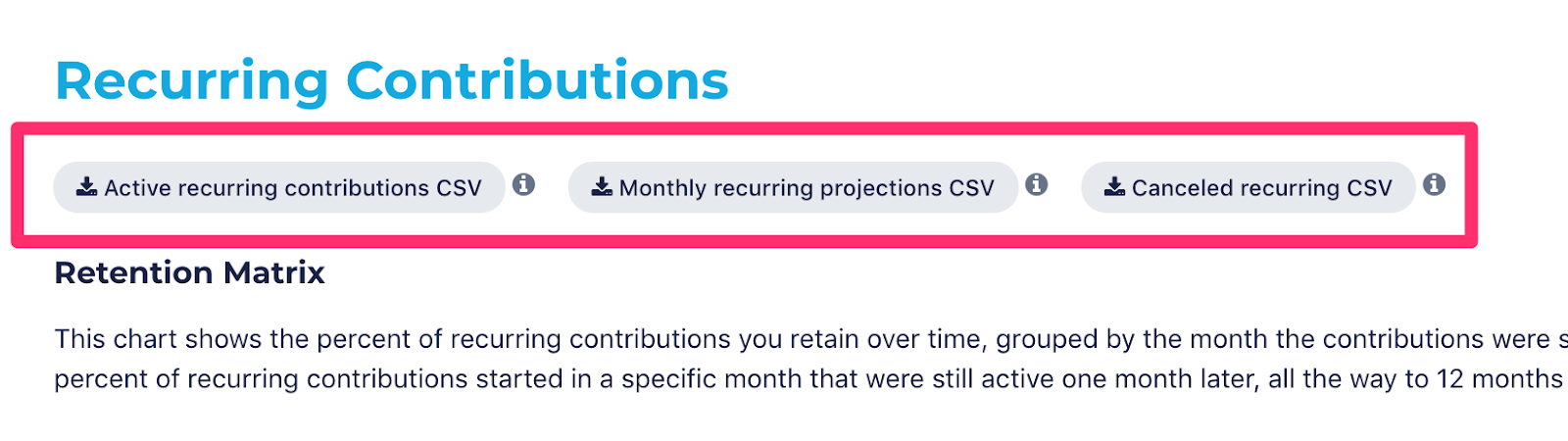
Click the button to download a CSV file. If you expect the file to be large, we can email you when your report is ready to download; start downloading the CSV and click “Email me when finished.”
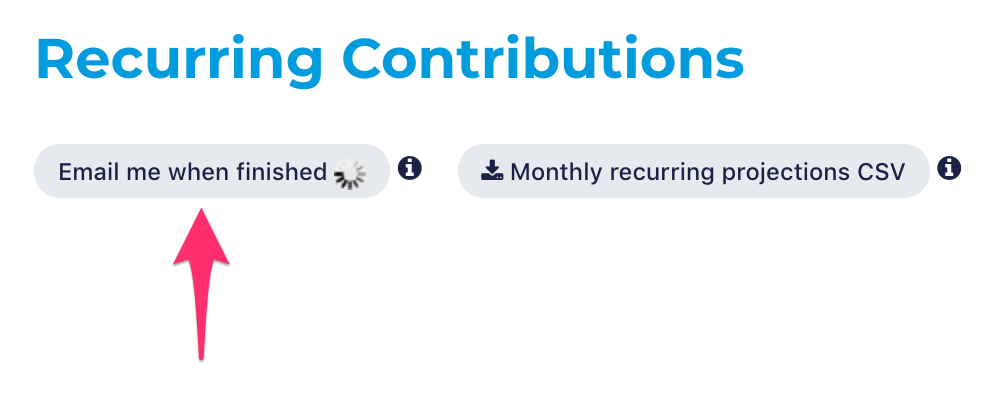
Requested CSVs will be available to download for 24 hours in your Dashboard’s Downloads tab.
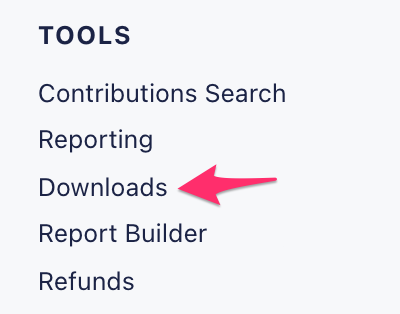
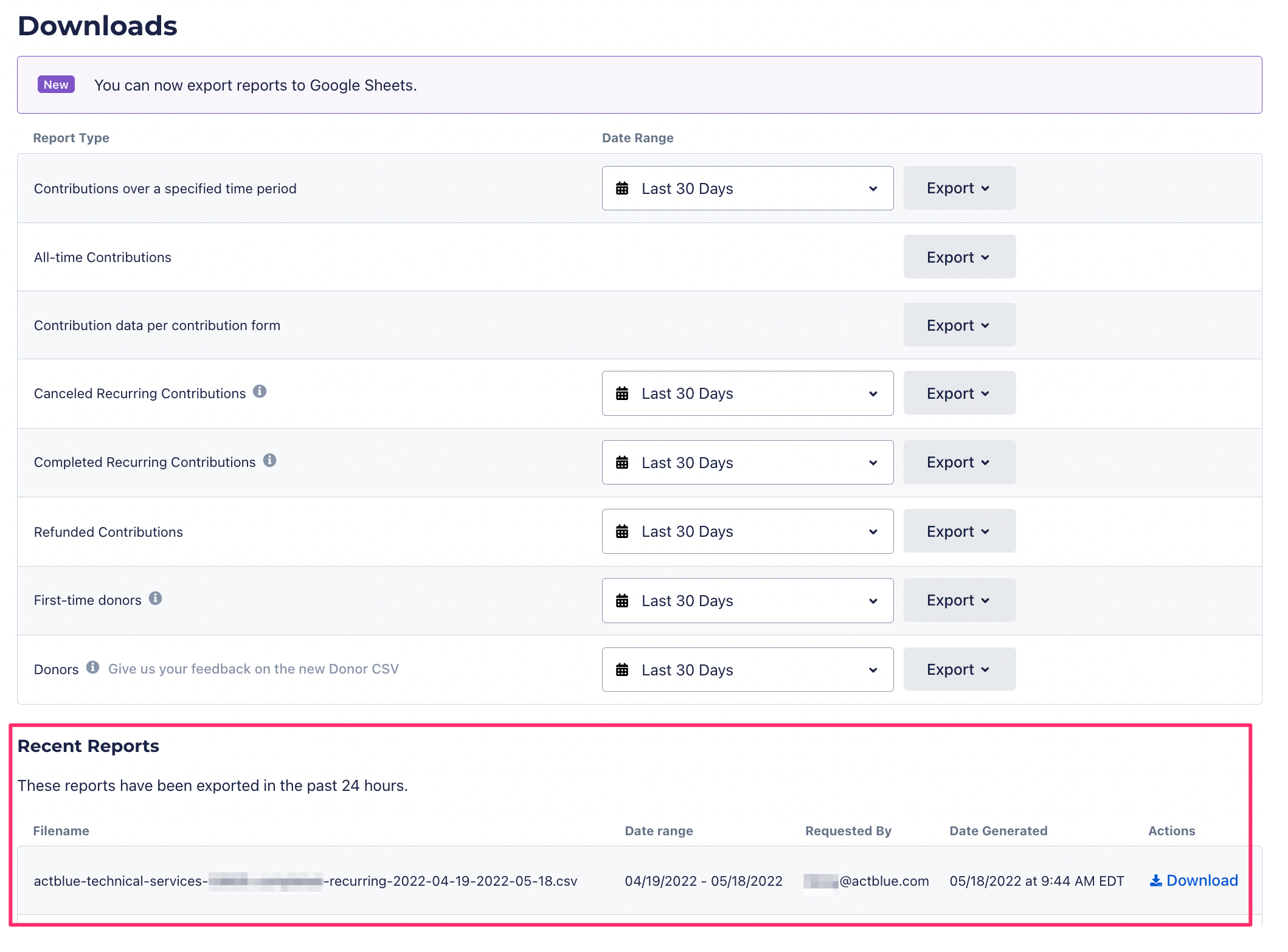
You can also download data about your recurring program in the Report Builder.
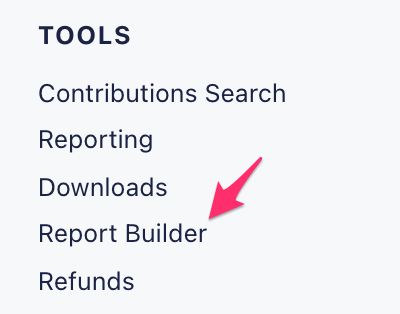
The Report Builder allows you to build and download fully customizable CSVs, with adjustable date ranges and only the columns you want to include. Search for “recurring” to see columns for analyzing and growing your recurring program.

You can save templates for reports you want to generate again so you can keep track on a weekly, monthly, quarterly, or custom basis. Read more about using the report builder.
You can also export any report, including recurring data, from the “Report Builder” or “Downloads” tabs as a Google Sheet using our Google Sheets™ integration.
Google Sheets is a trademark of Google LLC.